
Today, we’re thrilled to announce a brand new addition to our growing family of addons.
Introducing the Google Sheets addon for WPForms!
The Google Sheets addon will allow you to send form entries to a spreadsheet directly.
Previously, you needed third-party tools to establish a connection between Google Sheets and WPForms. We wanted to make it easier and faster to transfer data from WPForms to a spreadsheet directly.
This addon is all about simplifying your workflow and giving you complete control.
Read on to learn more about our latest update.
Easy Google Sheets Integration
With every WPForms update, our goal is to enable you to manage your business with minimal effort and maximum efficiency.
The Google Sheets addon removes the long and complicated process of integrating WPForms with your Google spreadsheets using third-party apps.
Instead, you can now connect your Google account directly with WPForms to send entries.

There are two methods for completing the Google Sheets integration.
The default method is fast and straightforward. You can also use the more advanced method to first create a custom Google application, but this is only recommended for technical users. See our doc guide for more details.
After connecting your Google account with WPForms, you can easily control which forms should automatically transfer entries to your spreadsheet.
Send Form Entries to Spreadsheets
To ensure optimal accessibility, we’ve included the settings for the Google Sheets addon within the form builder. This way, you’re free to link any form to a spreadsheet of your choice.
For example, let’s use this simple contact form.
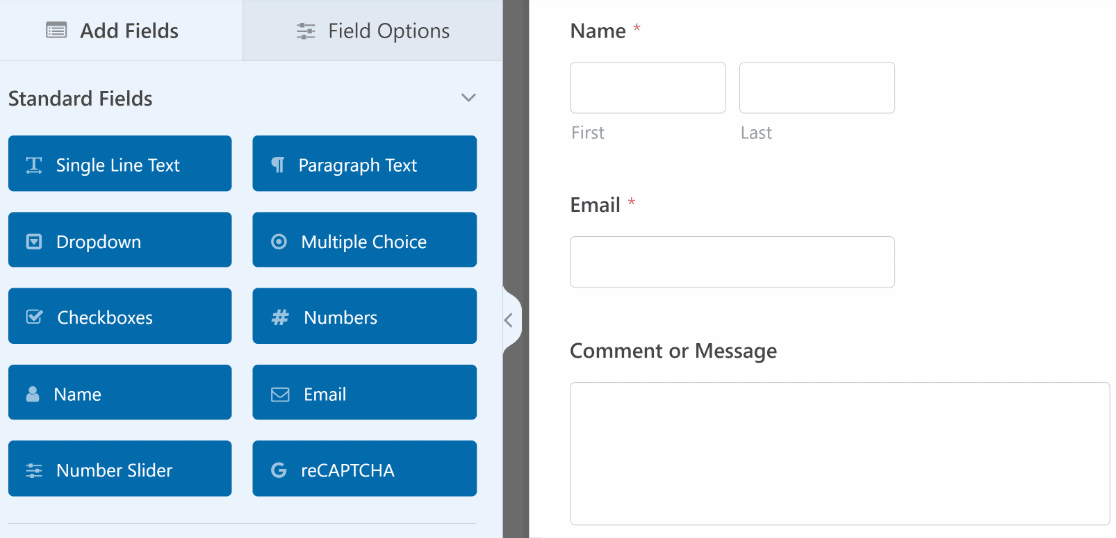
You can seamlessly connect this form to any spreadsheet saved in your Google Drive by going into the form builder settings.
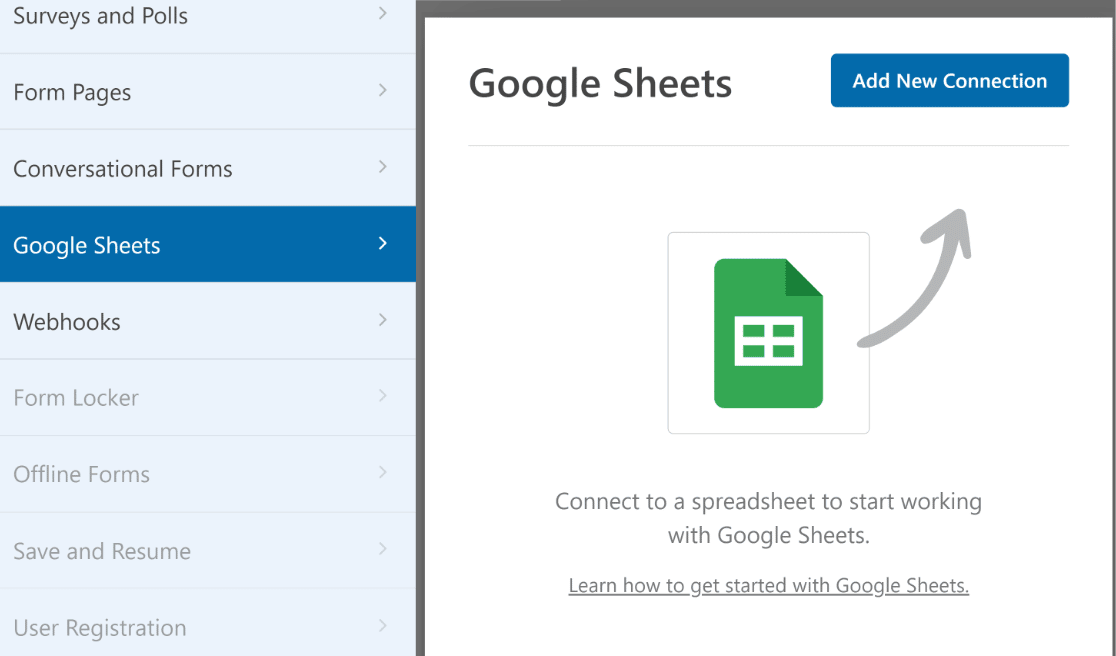
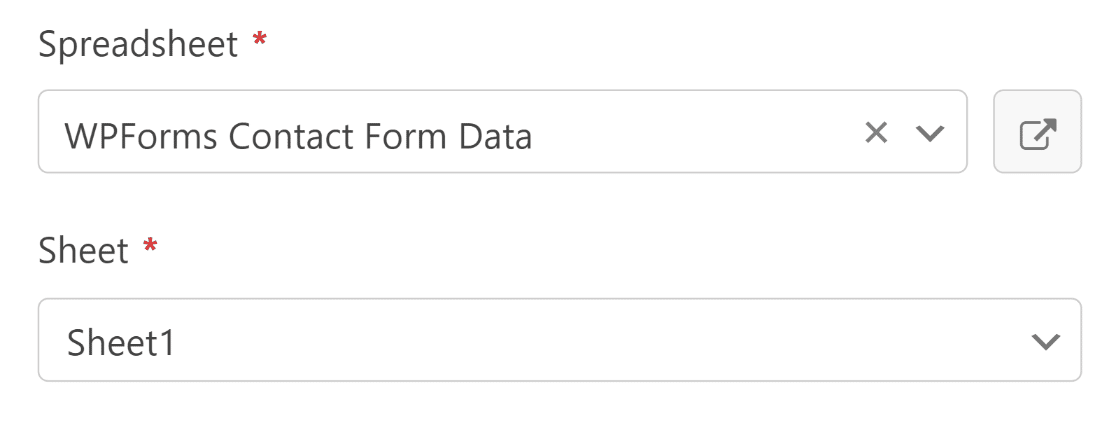
Once inside the settings, all you need is to select the spreadsheet that you want to transfer your form data to.
There’s also a link button that takes you directly to your selected spreadsheet. This is useful if you’d like to view the spreadsheet or make any changes before initiating the automation.
Inside the same settings, you can map your form field to the spreadsheet column values so that all new entries are sent exactly to the appropriate sheet columns.
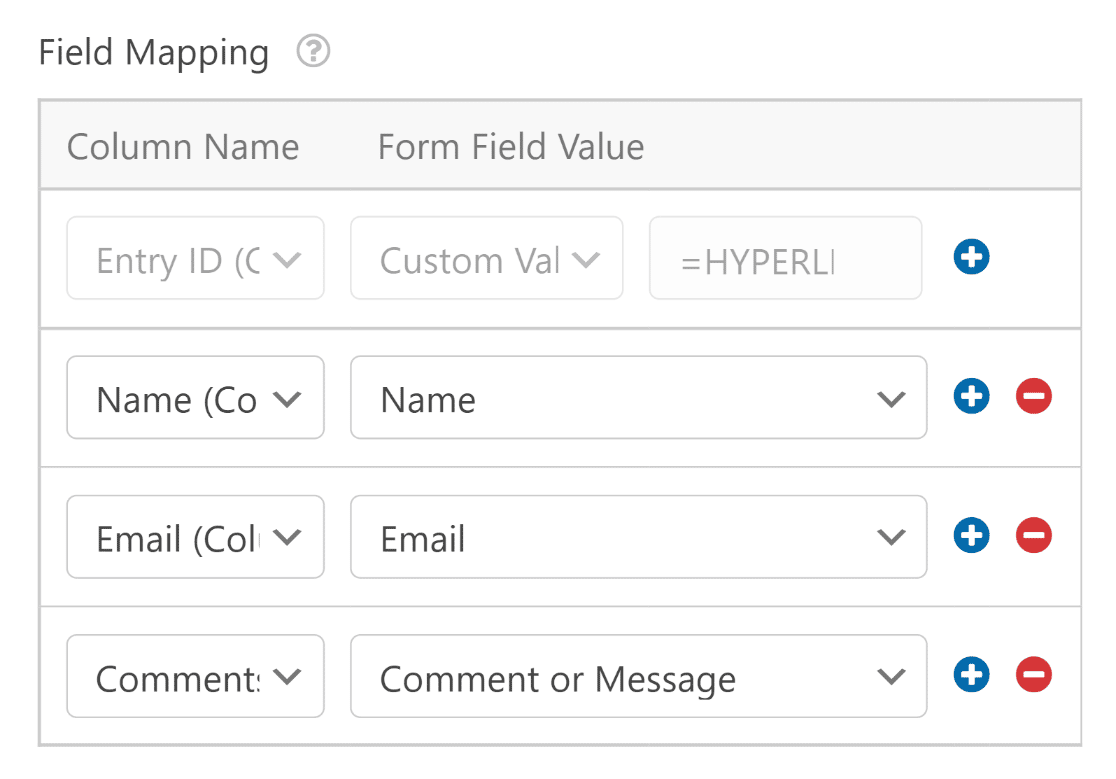
While you’re adding field mappings, you can also add custom input to a specific column by selecting Custom Value. This shows you a new field that lets you input text, use WPForms smart tags, and even apply Google Sheets formulas.
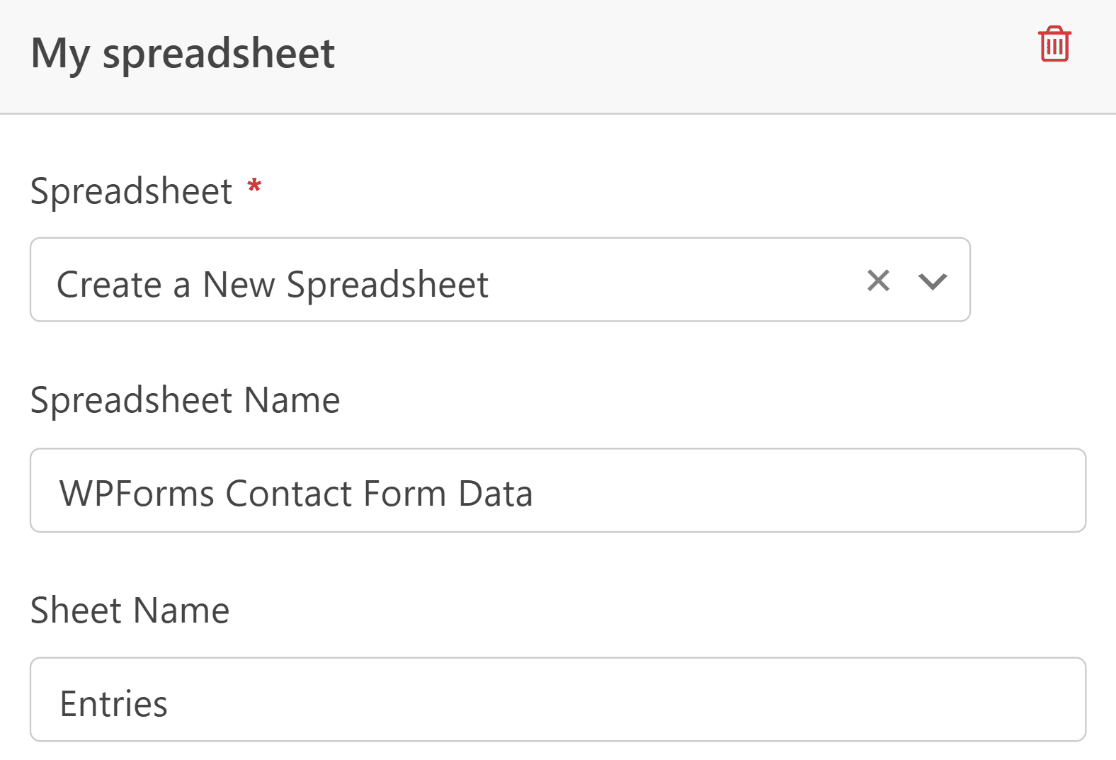
In fact, we went a step further. You can also create a new spreadsheet while you’re configuring your settings. We’ve also added the option to create a new sheet within an existing spreadsheet.
Just select Create a New Spreadsheet from the dropdown, name your new sheet, and proceed to map fields to column values as before.
And we’re not finished yet. There’s one more exciting feature we’d like to share with you.
Transfer Form Data to Sheets With Smart Logic
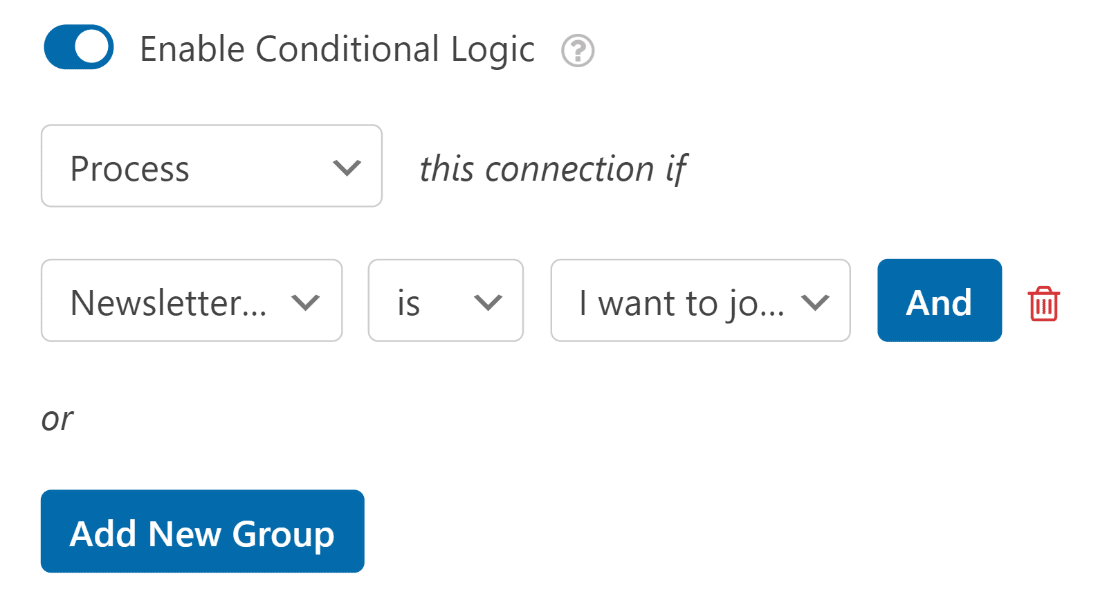
To ensure that you enjoy full flexibility with your WPForms and spreadsheet integration, we’ve made this addon compatible with smart conditional logic.
This means that your form data will only be sent to a Google Sheet if the form entry matches your conditions.
For example, let’s assume we have a contact form with an email optin checkbox and we’re maintaining a sheet of contacts that have opted in to our email list.
We can make sure that the form entry includes the optin. If it doesn’t, it won’t be added to your sheet.
Of course, a form entry within your WordPress will still always be saved regardless of the conditions you set. Conditional logic just gives you that extra control.
We think the Google Sheets addon will greatly boost your business efficiency and make entry management even more flexible than before.
Just activate the Google Sheets addon and let WPForms populate your spreadsheets automatically.
It’s as simple as it is powerful!
The Next Release Is Already On Its Way…
The Google Sheets addon is available for our Pro and Elite customers. But we aren’t finished yet…
As is our custom, we’re working on several updates for the next WPForms release.
Until then, try the Google Sheets addon, and be sure to send us your comments and feedback!
We hope you’ll enjoy using our new addon and that it helps you get your form entries to Google Sheets without the hassle!
– Jared Atchison
The post Introducing the NEW Google Sheets Addon for WPForms appeared first on WPForms.source https://wpforms.com/introducing-the-new-google-sheets-addon-for-wpforms/